The clinic app, on every screen you use
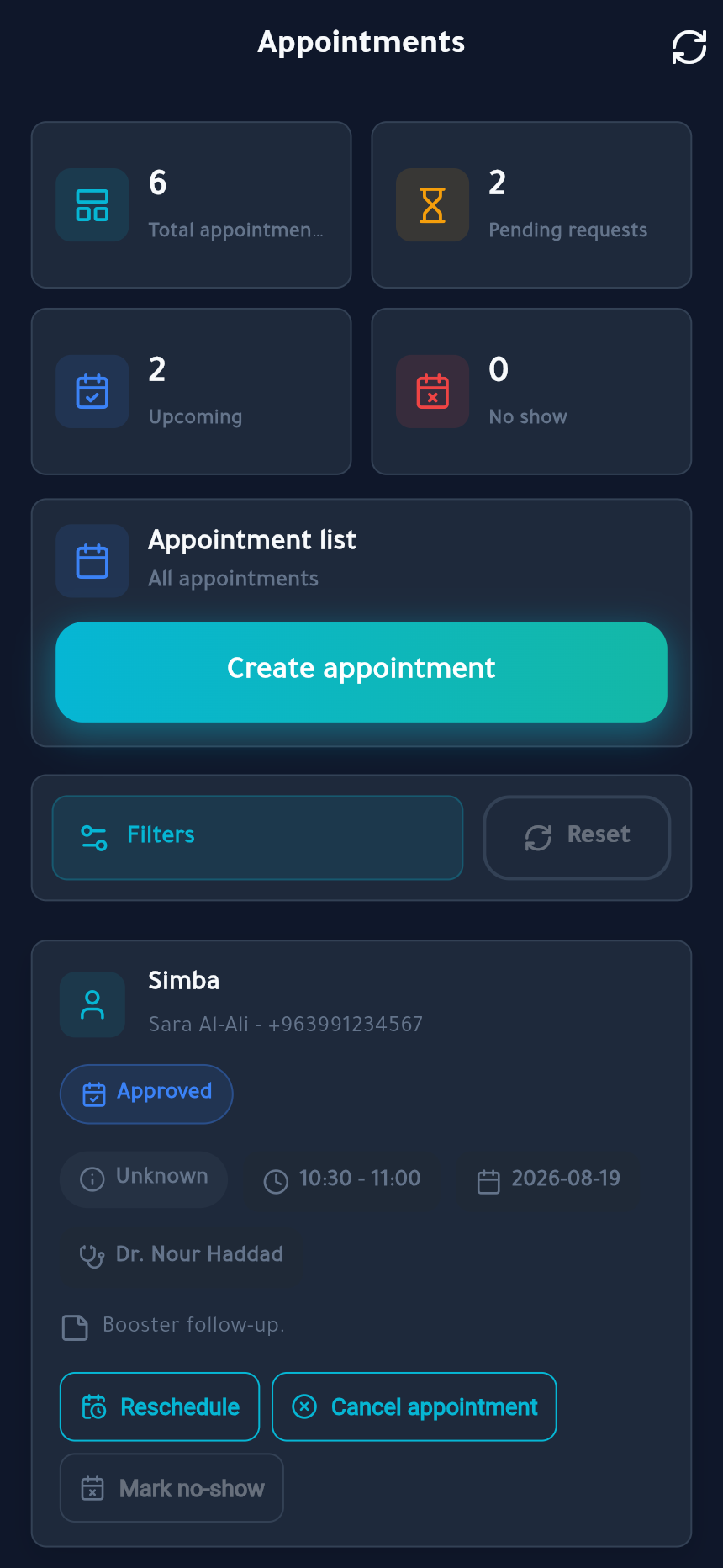
Install it on the tablet at the front desk, run it in the browser on the consult-room computer, and keep the same record in both. Fourteen days with everything unlocked, no card needed.
 AleefyTodayPatientsVisit notesInvoiceTeam
Choose your platform
Android
Phones and tablets · Android 8.0 or newer
iPhone & iPad
Web app · iOS 15 or newer
macOS
Web app · Safari or Chrome
Windows
Web app · Edge or Chrome
Android
Phones and tablets · Android 8.0 or newer
Web app
clinic.aleefy.me
From download to your first appointment
Install and sign up
Create your account, then complete the short professional profile if you are a veterinarian.
Register the clinic
Six guided steps: clinic type, details, the pin on the map, your working hours, and your licence document.
Get approved
We check the documents and approve the clinic. Approval opens a 14-day trial with every feature unlocked.
Invite your team and open the calendar
Add doctors and receptionists with their own hours and permissions, publish your services, and start taking online bookings.
Have these ready
- Your clinic licence or registration document (PDF or image, up to 5 MB)
- The clinic's exact location — you will drop a pin on the map
- Working hours per day, and the areas you cover if you do home visits
- The names and phone numbers of the team you want to invite
Not a clinic?
The pet owner app is a different app — free, and made for you.
Get the pet owner app